Samsung is quietly testing major One UI 9.5 Beta features right now, and your Galaxy phone could feel remarkably faster before the year ends.
- System-Wide Vulkan Rendering: Native Vulkan API execution cuts UI frame drops and lowers GPU power draw during heavy multitasking.
- Private On-Device Galaxy AI: Upgraded local NPU models summarize calls and screen content without sending sensitive data to cloud servers.
- Granular Battery Health Caps: New adaptive charging sliders let you lock maximum overnight charge limits between 80% and 95%.
- Expanded Lock Screen Live Pills: Dynamic Now Bar widgets track rideshares, live sports, and timers simultaneously without unlocking your display.
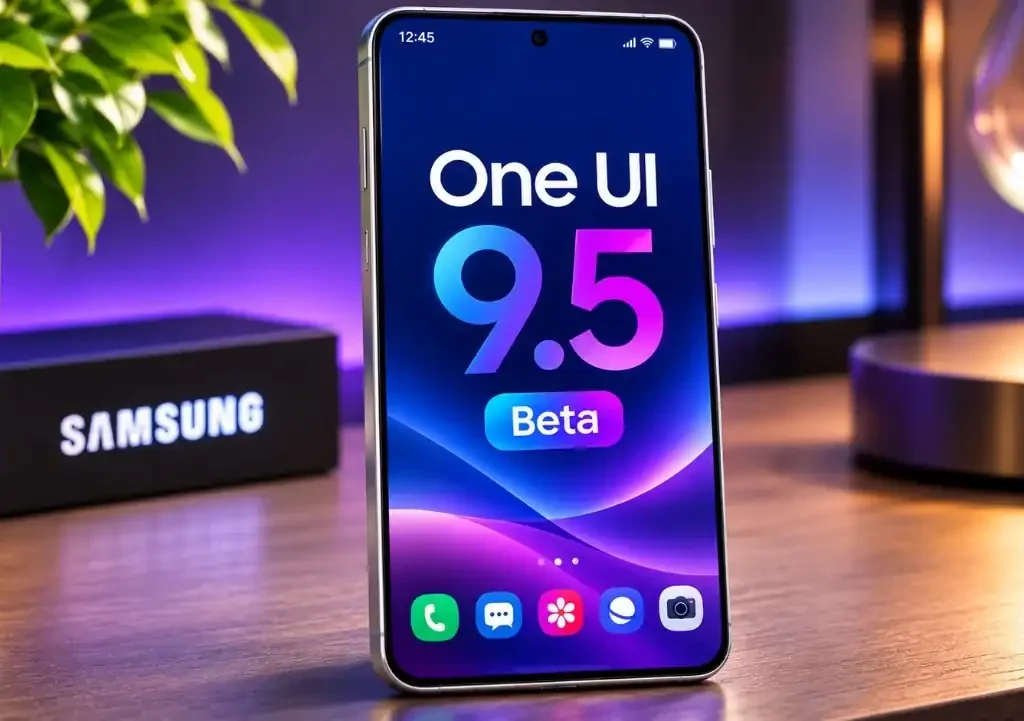
TechKomo Disclaimer: The details discussed below are based on early beta firmware builds and industry reports. Official features and stability may vary before the final public rollout.
Are you willing to risk early beta bugs today just to unlock flagship Android 17 upgrades months ahead of everyone else?
In simple terms, One UI 9.5 serves as Samsung’s custom interface built directly on top of Google’s Android 17 core. By shifting core animations onto the Vulkan graphics engine, your device communicates directly with its processor instead of wasting battery on older software translation layers.
Why These One UI 9.5 Beta Features Matter for Galaxy Owners
Samsung typically treats mid-cycle point updates as essential bridges ahead of its next flagship hardware launch. Firmware analysts indicate that One UI 9.5 focuses heavily on raw system fluidity and thermal discipline rather than superficial icon redesigns. Furthermore, early beta builds reveal that Samsung is tuning background memory management for devices carrying 12GB or 16GB of LPDDR5X RAM. Consequently, flagship owners gain noticeable responsiveness boosts months before the early 2027 hardware cycle arrives.
Global server logs suggest Samsung pushes initial beta waves in staggered windows starting around 10:00 AM PT / 1:00 PM ET / 6:00 PM GMT. Historically, primary test hubs include South Korea, the United States, Germany, India, and the United Kingdom. Meanwhile, users in these regions enroll directly through the official Samsung Members application using an active Samsung account. Exploring these One UI 9.5 Beta features early gives enthusiasts direct influence over bug fixes before the stable public release.
Deeper Vulkan API Integration Eliminates Micro-Stutters
For years, Android interfaces relied heavily on legacy OpenGL rendering pipelines for standard window transitions. However, Samsung’s latest firmware overhaul routes the home screen, app drawer, and notification shade through multi-threaded Vulkan API buffers. As a result, modern Snapdragon and Exynos graphics cores process frame instructions in parallel with minimal CPU overhead.
Early beta testers report significantly smoother scrolling across 120Hz LTPO OLED displays during rapid app switching. Additionally, adaptive refresh rates drop cleanly down to 1Hz on static screens without triggering brief brightness flickers. Beyond visual smoothness, lower GPU voltage spikes help keep chassis temperatures comfortable during extended 60fps mobile gaming sessions.
Smarter On-Device Galaxy AI Without Cloud Delays
Cloud-based artificial intelligence often introduces frustrating latency and raises valid privacy concerns for everyday smartphone owners. Therefore, the standout One UI 9.5 Beta features prioritize local execution across modern neural processing units (NPUs). Specifically, upgraded Galaxy AI language packs handle live call translation and voice transcription completely offline.
Furthermore, an enhanced contextual screen engine recognizes flight confirmations, restaurant addresses, and calendar invites inside third-party messaging apps. Users can trigger one-tap actions directly from a floating side pill without copying and pasting text manually. Inside system settings, Samsung Knox Vault (EAL5+ certified hardware isolation) also includes a master toggle to block cloud AI processing entirely.
Redesigned Lock Screen Live Activities and Quick Panel
Large modern flagships measuring 170 mm (6.7 inches) or taller often force awkward hand gymnastics during one-handed operation. To solve this ergonomic challenge, Samsung refined its decoupled Quick Settings and notification shade layout. Specifically, brightness and volume sliders now sit lower within natural thumb reach on devices weighing around 195 g (6.88 oz) to 232 g (8.18 oz).
Meanwhile, the lock screen Now Bar expands into a stacked multi-activity hub at the bottom of the display. You can swipe smoothly between live turn-by-turn navigation, food delivery trackers, and active media controls without unlocking your phone. Additionally, subtle linear motor haptic clicks accompany every card swipe for sharper tactile precision.
Adaptive Battery Protection and Thermal Throttling Controls
Lithium-ion batteries degrade fastest when held at 100% voltage overnight under warm ambient conditions. Consequently, Samsung expanded its Battery Protection menu with granular 5% charge limit increments between 80% and 95%. Users who work at desks all day can lock charging at 80% to maximize multi-year cell longevity.
In contrast, travelers can select the adaptive sleep profile, which pauses charging at 80% and finishes topping up 30 minutes before their morning alarm. Under the hood, stricter Android 17 background wake-lock rules also curb silent standby battery drain over 5G cellular connections. Together, these power refinements help aging Galaxy flagships comfortably survive full 16-hour workdays.
Samsung One UI 9.5 Beta Technical Overview
| Specification | One UI 9.5 Beta Details |
|---|---|
| Software Interface | Samsung One UI 9.5 (Pre-Release Beta Firmware) |
| Base Operating System | Android 17 |
| Primary Graphics Pipeline | Native Multi-Threaded Vulkan API |
| Display Refresh Optimization | Adaptive 1Hz to 120Hz LTPO Frame Pacing |
| AI Processing Model | Hybrid On-Device NPU + Optional Cloud Galaxy AI |
| Hardware Security Layer | Samsung Knox Vault (EAL5+ Certified Isolation) |
| Battery Health Controls | Adjustable 80% to 95% Charge Caps (5% Steps) |
| Primary Eligible Devices | Recent Galaxy S, Galaxy Z Fold, and Galaxy Z Flip Flagships |
| Key Beta Rollout Markets | South Korea, US, Germany, India, UK, and Poland |
| Update Cost | Free Over-the-Air (OTA) Beta Enrollment |
How Samsung Pressures Apple and Google With One UI 9.5
Software longevity now drives global smartphone loyalty far more than minor annual camera sensor upgrades. By pushing deep Android 17 efficiency gains and private on-device AI to existing devices early, Samsung puts immediate pressure on Apple iOS and Google Pixel feature drops. Rival manufacturers can no longer reserve meaningful interface speedups strictly for brand-new hardware launches. Instead, Samsung’s 7-year OS support commitment forces competitors to deliver faster, cleaner software optimizations across their entire active user base.
Unfiltered Opinion: Should You Install the Beta Today?
Installing early beta firmware always carries real trade-offs that enthusiastic tech fans must weigh carefully. If your Galaxy smartphone serves as your primary work tool or relies daily on contactless banking apps, you should wait for the stable public release. Early One UI 9.5 Beta builds frequently break Google Wallet tap-to-pay verification and trigger occasional third-party app crashes. However, if you own a secondary eligible flagship and crave silky 120Hz Vulkan animations plus granular battery health caps, enrolling through Samsung Members offers an exciting preview of Samsung’s smartest software direction yet.
- K.K., Founder of TechKomo
✓ TechKomo Editorial Standard: This report is independently researched and written by the TechKomo editorial team without any brand sponsorship, paid placement, or external influence.