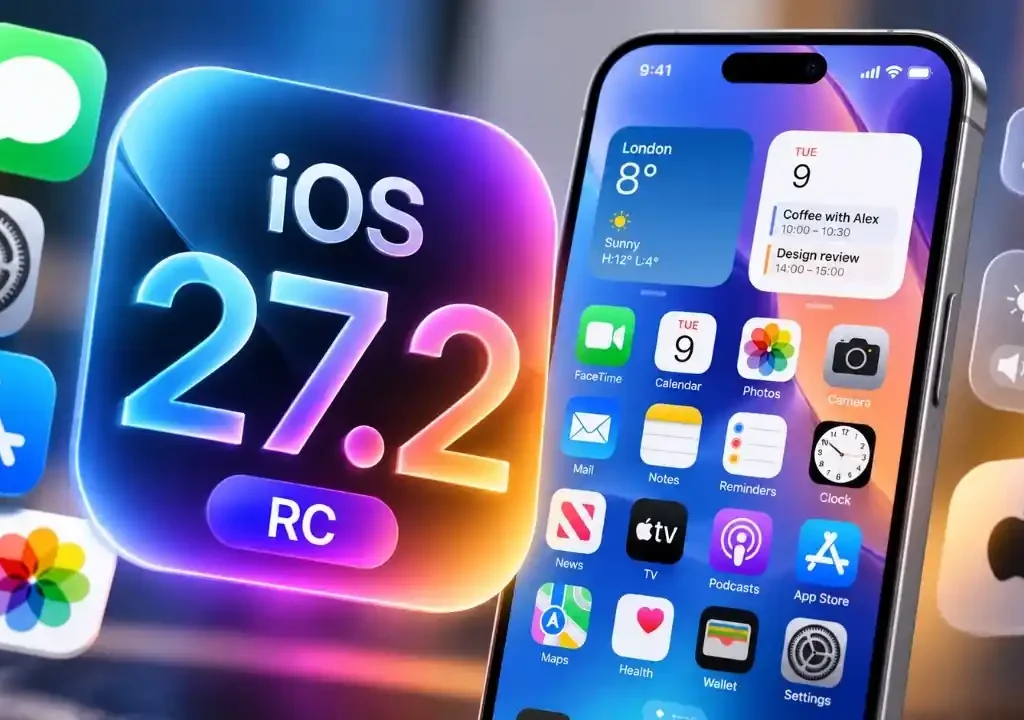
Apple’s final testing candidate just landed, and the new iOS 27.2 RC features deliver sweeping changes across your favorite daily apps before public launch.
- Apple TV App Profiles: Independent user profiles now split watchlists, Up Next queues, and custom algorithms across iPhones and iPads.
- Apple Music Redesign: A monochrome app icon pairs with dynamic blue interface accents, shelving the classic crimson aesthetic.
- FaceTime Dual Capture: Simultaneous front and rear camera feeds now activate during Group FaceTime sessions on iPhone 17 hardware and above.
- Smart Ecosystem Tweaks: Suggested Actions return to Messages, while Home app smart locks gain Door Left Open alerts.
Will these personalization upgrades finally keep your shared family screens from wrecking your personalized algorithm?
A Release Candidate (RC) represents the near-final build seeded to developers before public distribution.
It ensures that third-party software runs smoothly and gives us a concrete look at everything arriving on your smartphone next week.
Apple TV App Profiles Finally Arrive on iOS
Personalization has finally solved the living room dilemma on handheld screens.
The headline feature in the iOS 27.2 RC features rollout brings dedicated user profiles directly into the Apple TV app on iPhone and iPad.
Previously, watching a shared stream or letting a toddler binge animated shows wrecked your Up Next queue and poisoned your personal recommendations.
Now, family members can switch profiles instantly with a tap on their avatar.
Child accounts integrate robust parental rating restrictions to block mature programming.
Furthermore, sports fans unlock Multiview support, allowing up to 4 live streams simultaneously across Formula 1 and MLS feeds.
Each profile retains independent watch histories that sync across connected hardware running tvOS.
Apple Music Gets a Surprising Visual Makeover
Streaming subscribers will notice a striking aesthetic pivot the moment this update installs.
The iconic red-accented visual theme has been shelved in favor of a sleek, high-contrast monochrome application icon.
Inside the app, electric blue UI accents replace legacy magenta highlights across menus, sliders, and playback toggles.
Playlist organization also receives subtle refinement with faster scrubbing through massive lossless libraries.
While audio engines remain untouched, these color accents align the music player with Apple’s modernized software palette.
FaceTime Group Calls Unlock Dual Camera Feeds
Video callers gain a massive upgrade that redefines how group hangouts function.
The popular Dual Capture mode now functions natively inside Group FaceTime meetings on iPhone 17 and newer models.
By tapping the standard camera switcher, your phone engages the front TrueDepth camera and rear wide camera simultaneously.
Consequently, you can share your live surroundings while keeping your face framed for friends.
Previous builds limited this multi-feed view to one-on-one calls, but the expanded compute pipeline handles group rendering without thermal throttling.
| Feature Area | Key Upgrade in iOS 27.2 RC | Device Compatibility |
|---|---|---|
| Apple TV App | Dedicated User Profiles & 4-Screen Multiview | All iPhones running iOS 27 |
| Apple Music | Monochrome App Icon & Electric Blue UI Accents | Global iOS 27 Devices |
| FaceTime | Simultaneous Dual Capture for Group Calls | iPhone 17 series & newer |
| Messages | Contextual Suggested Actions (Calendar, Notes) | All iPhones running iOS 27 |
| Apple Podcasts | Split Queue: New Episodes vs Continue Playing | System-wide rollout |
| Home App | Door Left Open Alerts & Auto-Lock Timers | HomeKit-certified smart locks |
| HomePod Audio | Four-Speaker Surround Audio Integration | 4th-Gen Apple TV 4K & HomePod 2 / Mini 2 |
Everyday Workflow Upgrades Across Native Apps
Beyond media players, several core system utilities receive overdue polish.
Messages reintroduces Suggested Actions, a tool pulled from early beta branches earlier this autumn.
The intelligence engine scans incoming text conversations locally on device to surface one-tap shortcuts for creating reminders, calendar appointments, and shared notes.
Meanwhile, the Apple Podcasts directory splits your cluttered queue into separate sections for New Episodes and Continue Playing.
Smart home enthusiasts also receive peace of mind via the Home app.
Compatible smart deadbolts gain customizable Door Left Open chime alerts alongside a strict Lock After Closing countdown timer.
Developers received the RC build at 10:00 AM PT (1:00 PM ET / 5:00 PM GMT), signaling a public release scheduled within days.
If you jump into the ecosystem setup, an entry-level four-speaker surround array alongside the $299 (€329 / £279) fourth-gen set-top box costs approximately $895 (€989 / £849), setting a premium bar for smart living rooms.
The Bigger Picture
Apple’s calculated push into multi-user profiles and shared ecosystem routing puts direct pressure on competing streaming hubs and smart audio competitors. By turning personal iPhones into seamless extensions of shared living-room hardware, Cupertino deepens customer lock-in while neutralizing complaints about fragmented household viewing habits.
An Honest Take on the RC Polish
This release candidate proves that software quality often matters far more than flashy gimmicks.
While the aesthetic redesign of Apple Music feels cosmetic, the arrival of independent Apple TV profiles fixes a daily annoyance that has plagued multi-user households for years.
If you own an iPhone 17 or share your media libraries with children, this update delivers practical day-one utility without destabilizing your battery.
- K.K., Founder of TechKomo