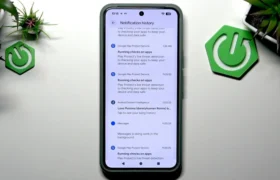
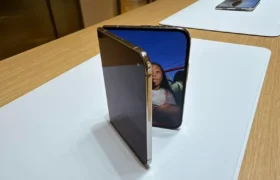
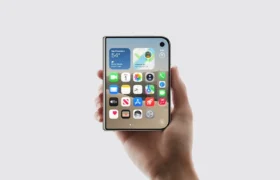
If you hate swiping twice just to toggle your flashlight, Google is finally preparing a massive Pixel UI notification redesign to fix your daily frustration.
- Split-Shade Architecture: Swiping from the top-left pulls alerts, while swiping top-right reveals quick toggles.
- Optional Toggle: Users can retain the classic unified pulldown or switch to the dual-panel layout.
- Larger Screen Optimization: Tablets and foldables like the Pixel Fold series receive immediate visual spacing upgrades.
- One-Swipe Access: Eliminates the awkward double-swipe ritual that plagued Android since version 12.
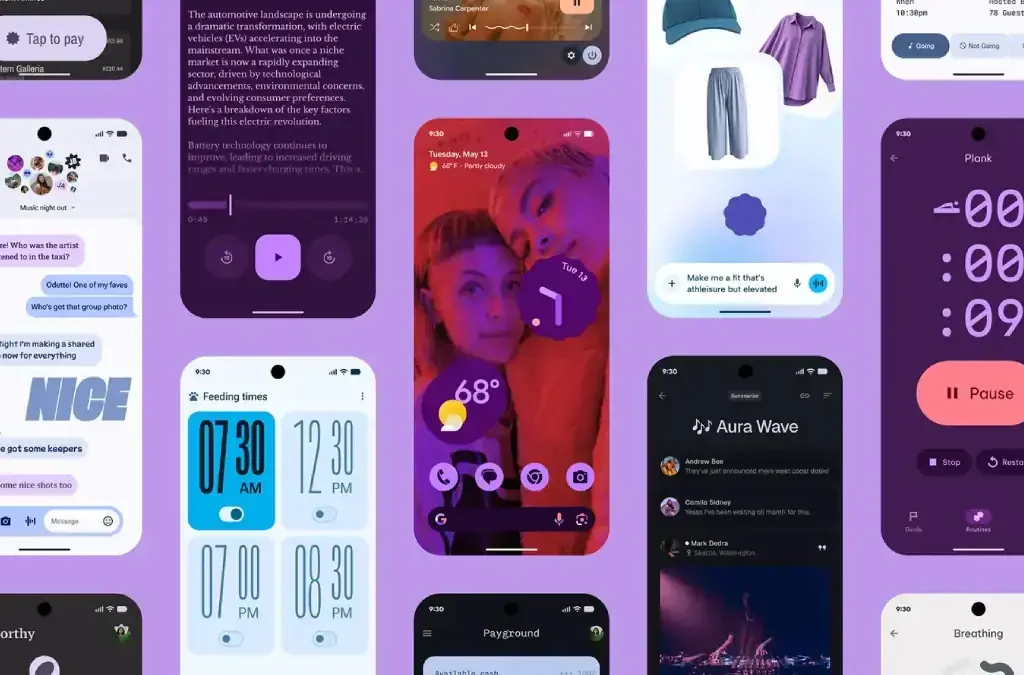
TechKomo Disclaimer: The details discussed below are based on early industry leaks and internal developer builds. Official features and final deployment schedules may vary before public release.
Why did Google make power users suffer through clumsy two-stage pulldowns for years while rival skins solved it instantly?
For years, pulling down your status bar meant seeing a cluttered stack of notifications with only four giant quick tiles.
Now, Google plans to separate alerts from hardware toggles entirely into independent, dedicated panels.
Why the Pixel UI Notification Redesign Changes Everyday Usability
Stock Android purists have defended the unified shade for over a decade.
However, modern smartphones regularly exceed 6.7 inches in screen size.
Reaching to the upper edge and swiping down twice feels slow and clunky.
Rival interfaces like Samsung One UI, Xiaomi HyperOS, and Apple iOS adopted independent split shades years ago.
Consequently, Pixel owners were left performing repetitive finger gymnastics to adjust simple screen brightness.
Supply chain insiders indicate the new architecture routes left-side gestures directly into incoming notifications.
Meanwhile, a top-right pull down displays an expanded grid of 8 to 12 quick toggles immediately.
This change cuts daily interaction time by roughly 50% across everyday tasks.
The Mechanics: How the Dual Pulldown Operates
The redesigned panel splits your screen’s top boundary into two distinct trigger zones.
Dragging down from the left 60% of the display summons your chronological alerts.
Conversely, dragging down from the right 40% reveals your hardware controls and volume sliders.
Internal testing builds confirm users can switch between panels using lateral horizontal swipes.
Furthermore, an emergency fallback switch in system settings lets purists restore the classic unified interface.
| Feature Metric | Classic Pixel UI | Leaked Split Notification UI | Rival Android Skins |
|---|---|---|---|
| Notification Access | Single pull-down | Left-side single pull | Left-side single pull |
| Quick Toggles Access | Double pull-down | Right-side single pull | Right-side single pull |
| Visible Tiles (First Pull) | 4 large tiles | 8 to 12 compact tiles | 8 to 16 customizable tiles |
| User Layout Choice | Mandatory unified | Optional toggle in Settings | Varies by manufacturer |
| Screen Space Efficiency | Low (heavy whitespace) | High (dense information) | High (dense control cards) |
| Target Platform Rollout | Pixel 6 through 9 Series | Pixel 8, 9, 10 Series (Beta/Stable) | Stable production builds |
Eradicating the Awkward Double-Swipe Gesture
Ever since Android 12 introduced bulky Material You pill toggles, finding system toggles required two distinct swipes.
That decision slowed down power users dramatically.
Now, the new layout restores instant density without sacrificing clean aesthetics.
Google is actively testing this rollout during quarterly platform beta updates, targeting full stability by Android 16 QPR or Android 17.
Expect the first public beta drops around 10:00 AM PT / 1:00 PM ET / 5:00 PM GMT during standard rollout windows.
The Bigger Picture
This sudden shift shows that Google can no longer afford to isolate its software philosophy from mainstream ergonomics.
With foldables weighing over 220g (7.76 oz) and tall candybar screens dominating sales, stubborn design minimalism harms ergonomics.
By delivering an optional split shade, Google directly neutralizes one of the top complaints voiced by switchers abandoning Galaxy and iPhone hardware.
An Unfiltered Editorial Take
Android purists will inevitably scream that Google is simply copying iOS Control Center.
Let them complain.
The truth is simple: the double-swipe notification shade on Pixel phones was bad software design from day one.
It wasted massive amounts of display real estate just to show bloated, empty bubbles.
Making the split-panel optional gives enthusiasts the speed they crave while protecting casual users from forced habit shifts.
This tweak is overdue, necessary, and frankly about time.
- K.K., Founder of TechKomo